AJAX, Fetch, and Async/Await
Learning Objectives
Students Will Be Able To:
Describe the Use Case for AJAX
Use ES2017's
async/awaitto handle promises synchronously
Roadmap
Setup
AJAX - What & Why
Make an HTTP Request Using the Fetch API
Use ES2017's
async/awaitto Handle Promises
Setup
We'll be using Repl.it during this lesson to learn about AJAX and
async/await.Create a new HTML, CSS, JS repl and name it something like AJAX with Fetch.
AJAX - What & Why
AJAX is short for Asynchronous JavaScript And XML.
In case you're wondering what the XML is about... It's the granddaddy of all markup languages, including HTML.
Once upon a time, XML was the de facto format for transferring data between two computers - that's why it's in the name AJAX. However, JSON has since become the data transfer format of choice.
AJAX - What & Why
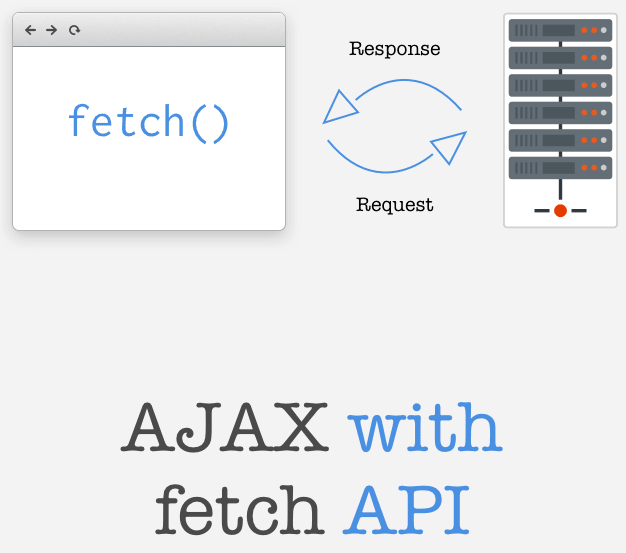
Clients (browsers) use AJAX to make HTTP requests using JavaScript.
The browser can send AJAX requests to any API server, as long as the server is CORS compliant.
Using AJAX, we can send an HTTP request that uses any HTTP method including,
GET,POST,PUT&DELETE- no need formethod-override!
AJAX - What & Why
But, here's the best part - unlike when we click a link or submit a form on a web page, AJAX does not trigger a page reload!
We can use AJAX to communicate with servers to do lots of things, including to read, create, update & delete data without the user seeing a page refresh.
AJAX has made possible the modern-day Single Page Application (SPA) like what you're going to build during this unit!
AJAX - What & Why
AJAX was originally made possible back in 1998 when IE5 introduced the
XMLHttpRequest(XHR) object and today it's in all browsers. However, it's a bit clunky to use.One of the reasons jQuery became popular was because it made making AJAX requests easier.
Make an HTTP Request Using the Fetch API
So, the A in AJAX stands for asynchronous.
Indeed, making an AJAX request is an asynchronous operation. So far, we've seen two approaches that enable us to run code after an asynchronous operation has completed. ❓ What are they?
Make an HTTP Request Using the Fetch API
The Fetch API, like any new Web API asynchronous method, uses promises instead of callbacks.
Let's make a
GETrequest to the/usersendpoint of JSONPlaceholder, a fake RESTful API for developers:When ran, we'll see that the
fetchmethod returns a promise that resolves to a Fetch Response object, which has properties such asstatus, etc.
Make an HTTP Request Using the Fetch API
To obtain the data in the body of the response, we need to call either the
textorjsonmethod which returns yet another promise:As you can see, the
json()method returns a promise that resolves to the data returned by the server, as JSON.
Use ES2017's async/await to Handle Promises
The purpose of
async/awaitis to allow us to work with asynchronous code almost as if it were synchronous!
Use ES2017's async/await to Handle Promises
We use the
asyncdeclaration to mark a function as asynchronous when promises are going to be handled usingawaitwithin it.We can re-write our code to use
async/awaitlike this:The
awaitoperator causes the line of code withfetchto "pause" until the promise resolves with its value - in this case an array of users.
Use ES2017's async/await to Handle Promises
When using
async/await, we cannot use a.catch()to handle a promise's rejection, instead we use JavaScripts'stry/catchblock:The
catchblock would run if thefetchfailed.
Use ES2017's async/await to Handle Promises
So basically, we've seen that
async/awaitreplaces the.then(<function>)method for when a promise resolves.In addition, JavaScript
try/catchblocks replace the.catch(<function>)for error handling when a promise is rejected.
💪 Practice Exercise (2 MIN)
After the
console.log(users), add another AJAX request usingfetchto JSONPlaceholder's/postsendpoint.Log out the returned posts.
References
Last updated